Music that moves while you drive.
HighwayHarmonics creates dynamically changing music while you drive.
 Coming soon...
App Store pending • Work-in-progress preview link

About HighwayHarmonics
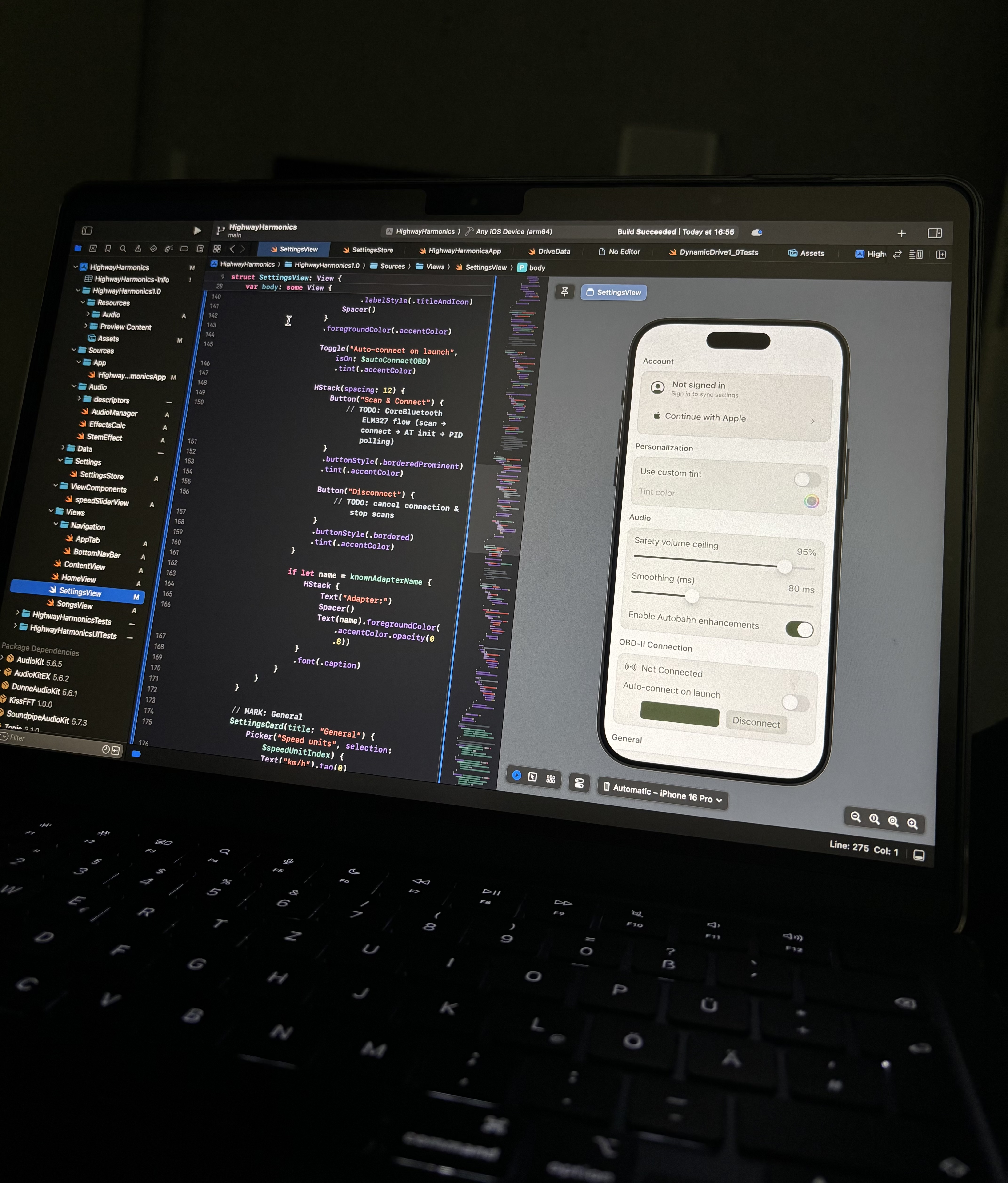
Inspired by projects like Mercedes’ Sound Drive, HighwayHarmonics turns live car data into music. A Bluetooth OBD-II scanner streams speed and RPM to the phone; the app’s AudioKit-based engine maps those signals to musical parameters. Drive faster and layers fade in, filters open, intensity rises; slow down and the mix breathes back into calmer pads.
Focus right now: a reliable audio graph and smooth behavior first — UI later. Bluetooth classes for the OBD-II connection are in progress; once stable, it’s in-car testing and iteration. (Exploring a simple GPS-only mode, too.)
- Status: In progress
- Stack: Swift · Xcode · AudioKit
- Hardware: Bluetooth OBD-II scanner
- Platform: iOS
- Key behavior: Stems fade + filter curves with speed; smooth, click-free transitions
How it works
-
Connect
Pair a Bluetooth OBD-II dongle. The app reads speed & engine RPM securely on-device.
-
Drive
Values like speed feed envelopes/curves that control stem levels and filters.
-
Listen
AudioKit processes stems; transitions are smoothed to avoid clicks and jumps.
Exploring: a coarse GPS-only mode for casual testing (no dongle).

About me
I’m Leo Termado , a dual B.Sc. student in Business Informatics who builds minimal, reliable audio software for mobility. My focus is iOS and AudioKit — low-latency audio graphs, smooth parameter mappings, and clean, readable UX. The idea for HighwayHarmonics crystallized after trying Mercedes’ “Sound Drive”: generative music that responds to real drives, tuned for calm and flow rather than distraction.